Shooting
NBA 2K26 Auto Green Explained in Plain English
“Auto green” is one of the most searched NBA 2K26 cheat phrases — and one of the most misunderstood. It does not turn every contested fade into a make. It helps stabilize release timing so your practiced shots finish green more often.
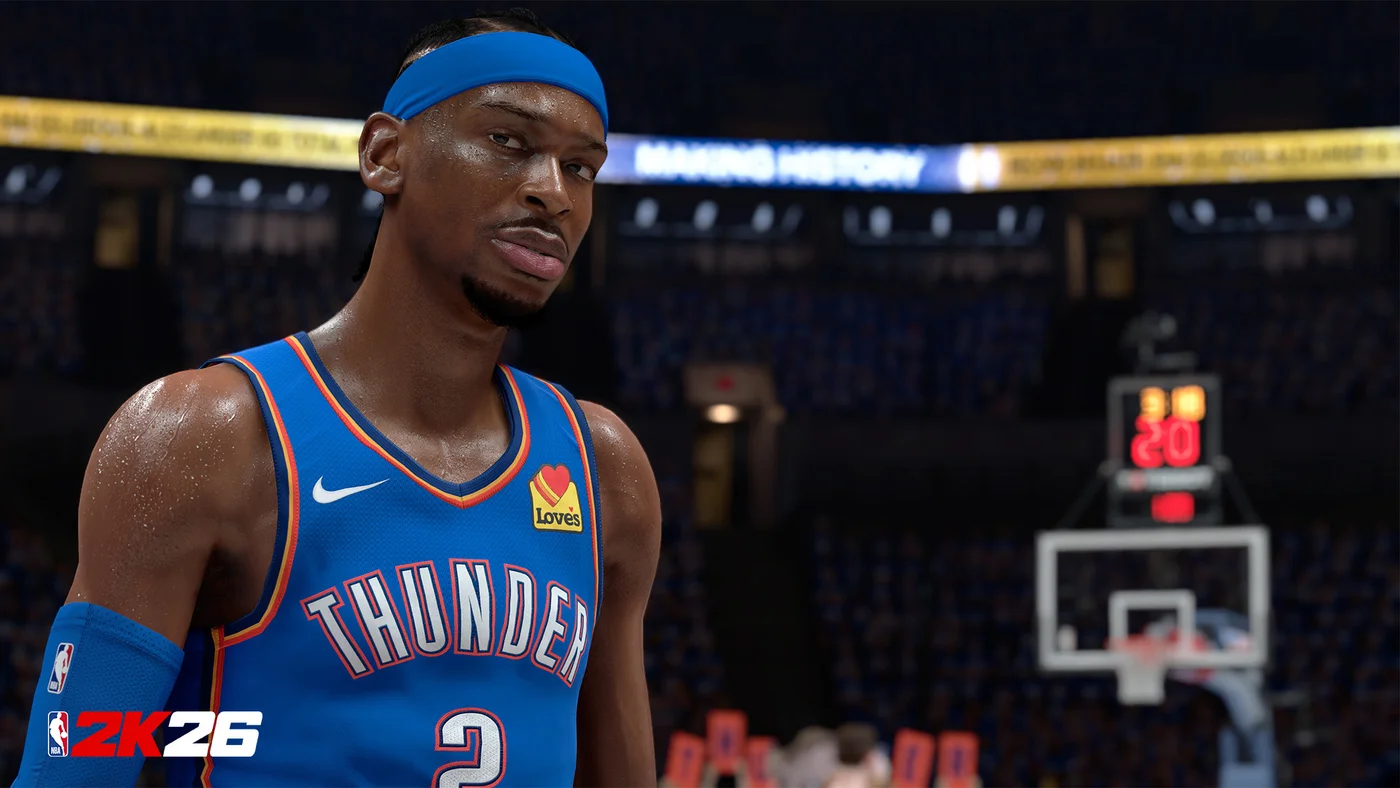
What auto green actually helps with
Auto green tools assist the release window on jump shots so your timing lands inside the green more consistently. Think of it as removing some human variance on shots you already know how to take — not as a free license to hoist from half court.
You still need an open look, a sensible jump shot, and attributes that support the attempt. A badly built shooter with a cold meter will brick with or without help. Start with the product overview on NBA 2K26 Auto Green.
What it will not fix for you
Auto green does not create spacing, set screens, or choose better shot selection. Heavily contested attempts, fatigue, and mismatched badges still punish bad decisions. If your build has a weak Three-Ball, no timing helper rewrites the attribute sheet.
Patch days can change how timing feels. Check official notes via NBA 2K and our Updates page before you assume a setting broke. For safer shopping habits, read how to buy NBA 2K26 hacks safely.
How to combine tooling with real practice
Keep a short warmup even if you use assist tools. Muscle memory for catch-and-shoot vs off-dribble still matters when you turn helpers off or when latency spikes. Pair this article with our shooting guide.
Compare the full stack on Features, then Pricing for monthly and lifetime options. Setup steps live on Setup after delivery.